Run your construction site without the chaos.
Muqtab is simple software for construction teams. Instead of Excel files and WhatsApp messages scattered everywhere, your whole team — site engineers, supervisors, and project managers — works from one shared, live project record.
No credit card required• Free trial, up to 1 month
- Daily Reports
- RFIs
- WIR & MIR
- Snags
- Drawings
- Submittals
- HSE
- Manpower
- Equipment
- Variations
- Meetings & MOM
- Contractors
- Project Chat
- Calendar
Right now, your project information is probably scattered everywhere.
One project. Dozens of Excel files. A dozen WhatsApp groups. Everyone has a different version of what's actually happening on site.
- A separate Excel file for every log
- Typing the same information twice
- Files spread across phones and laptops
- Chasing people on WhatsApp for updates
- No record of who did what, or when
- One shared project workspace
- Enter information once
- Everything stored in one place
- Automatic updates and notifications
- A clear record of who did what, and when
How Muqtab works, in four simple steps
Log it
Your team records daily work, questions, and issues as they happen — from a phone on site or a laptop in the office.
It's saved automatically
Every entry is saved to the project, with the date, time, and who created it.
Everyone sees the same thing
Your team, your PM, and management all see the same live project — no waiting for a weekly update.
Nothing gets lost
Questions get answered, tasks get closed, and the full history stays searchable.
A closer look at what you can do
Pick a module to see the real product, not a mock-up.
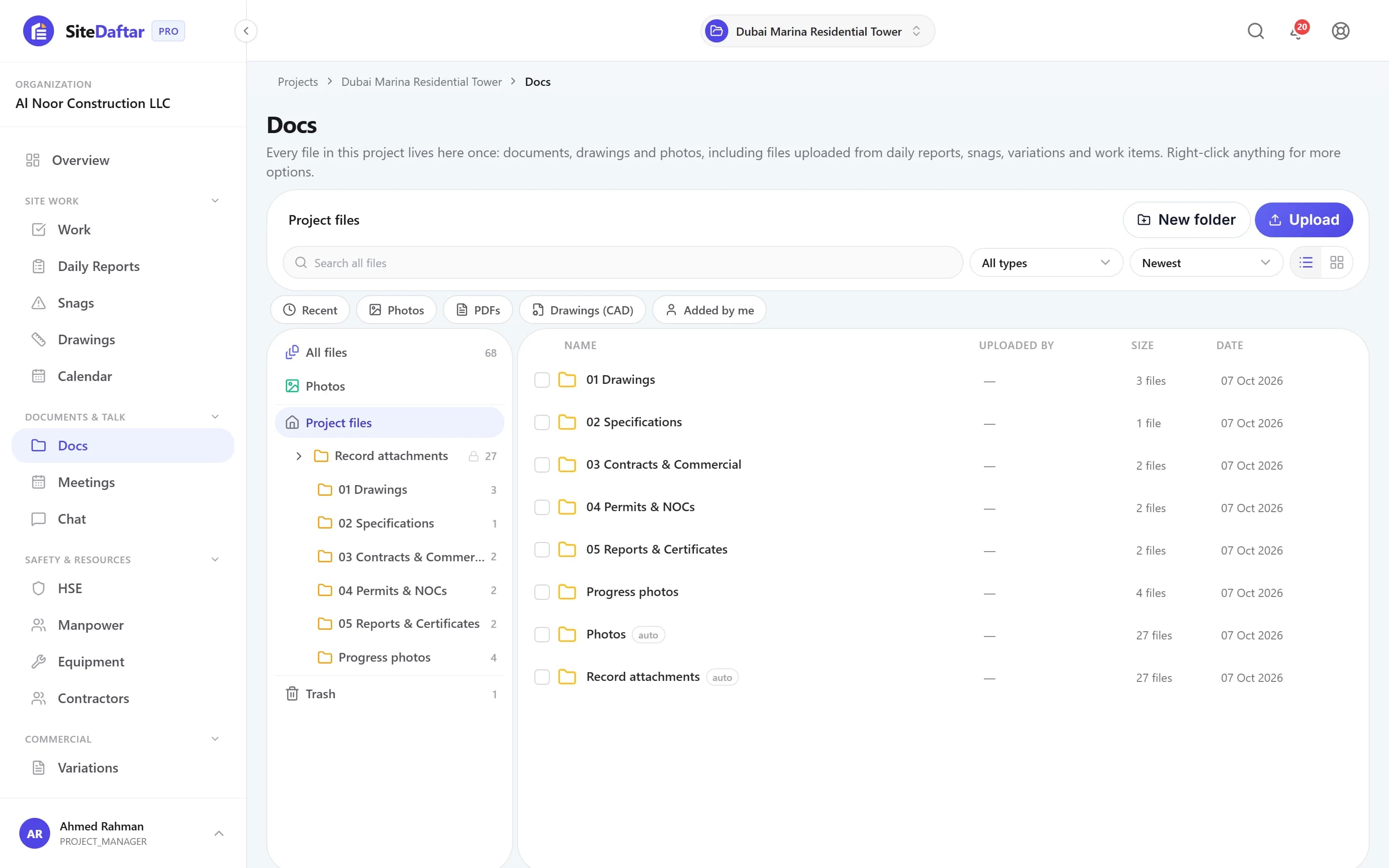
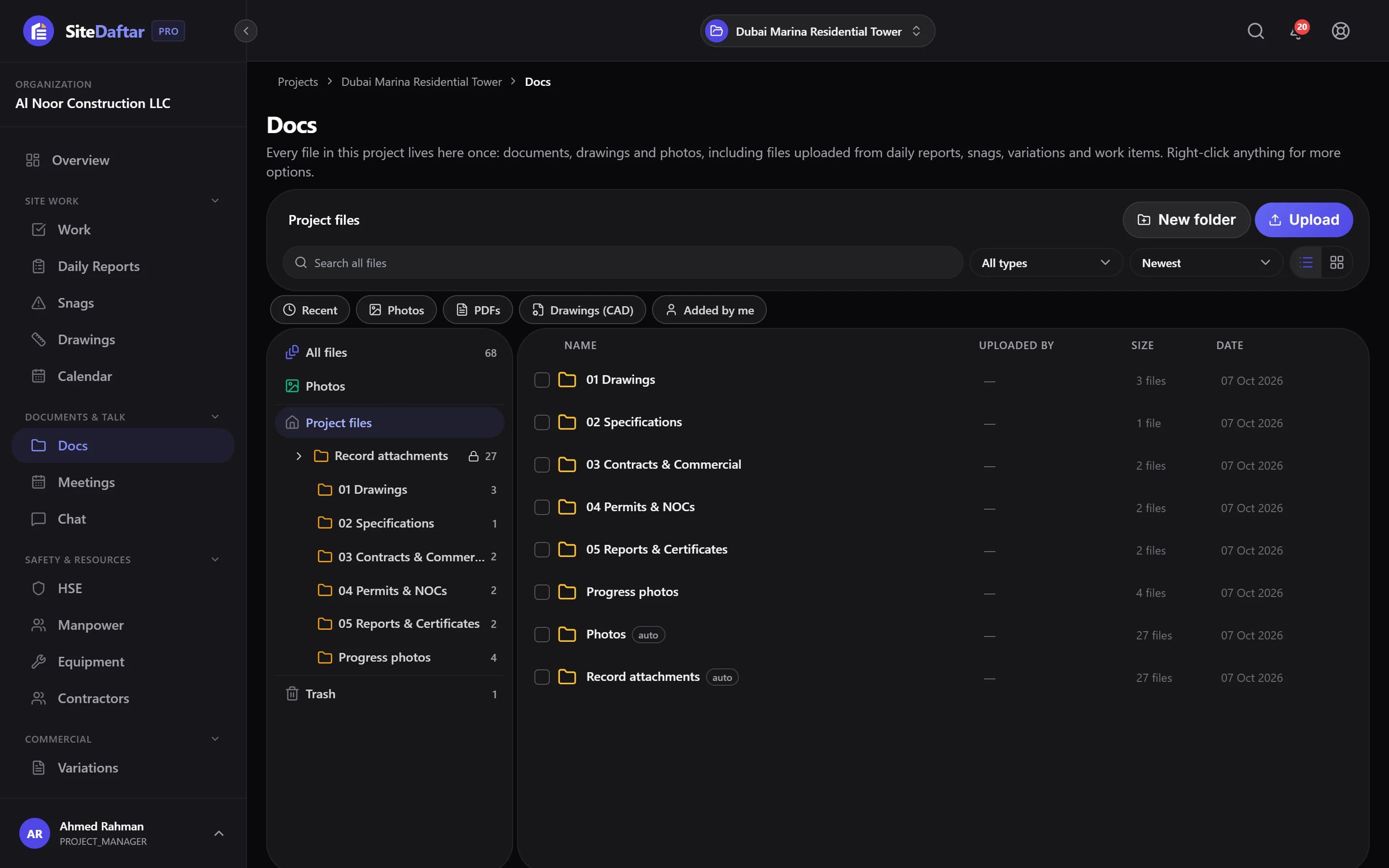
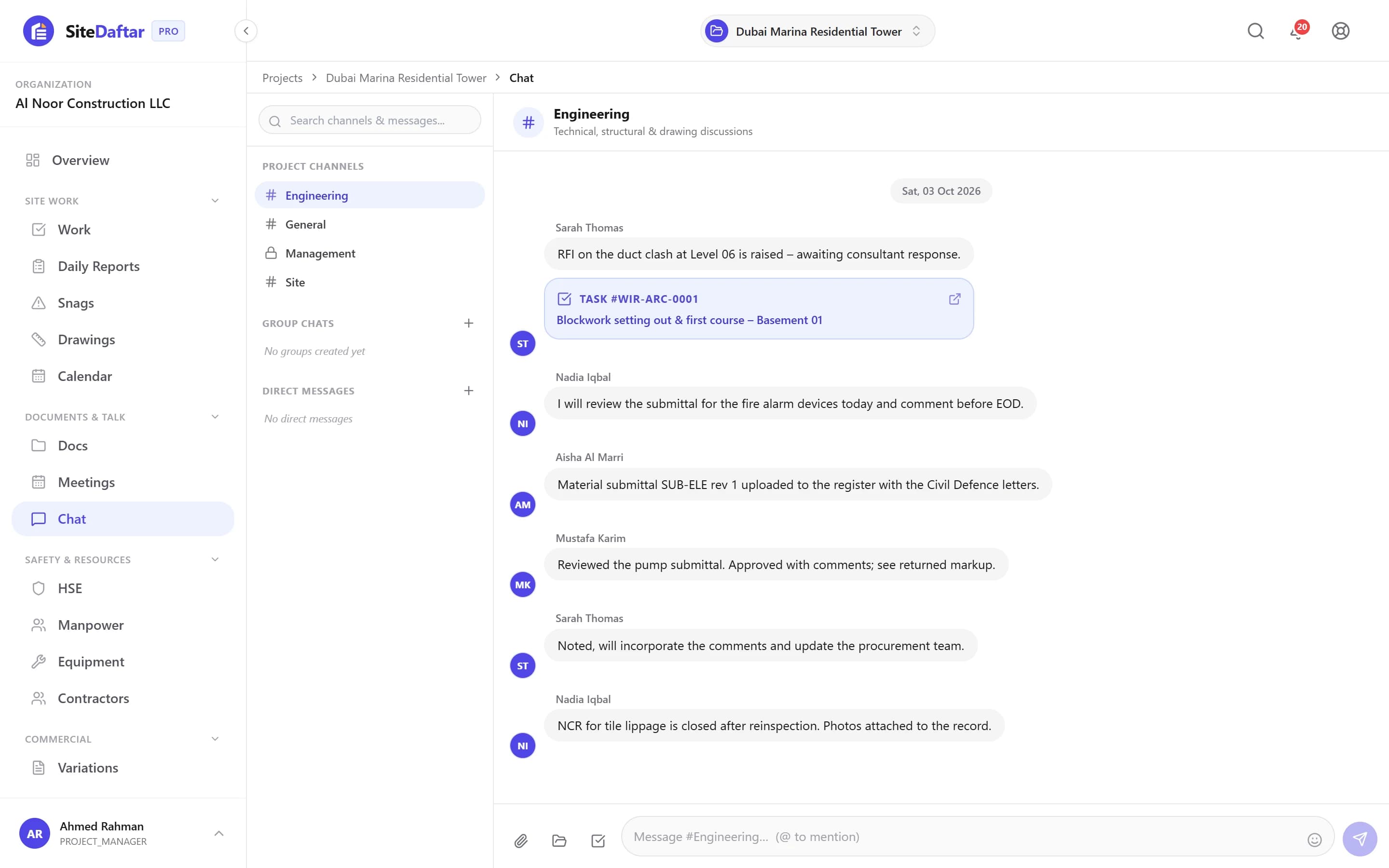
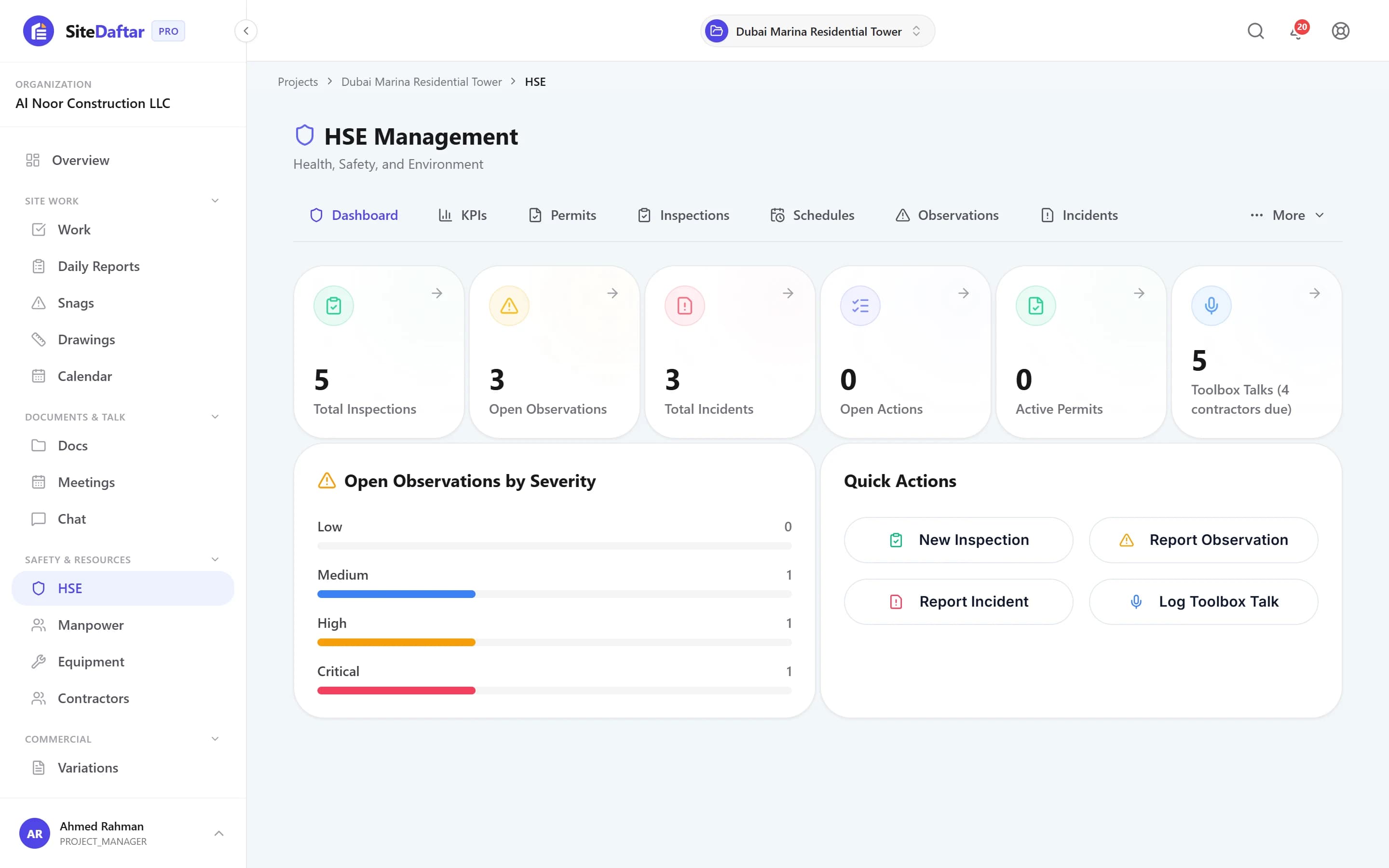
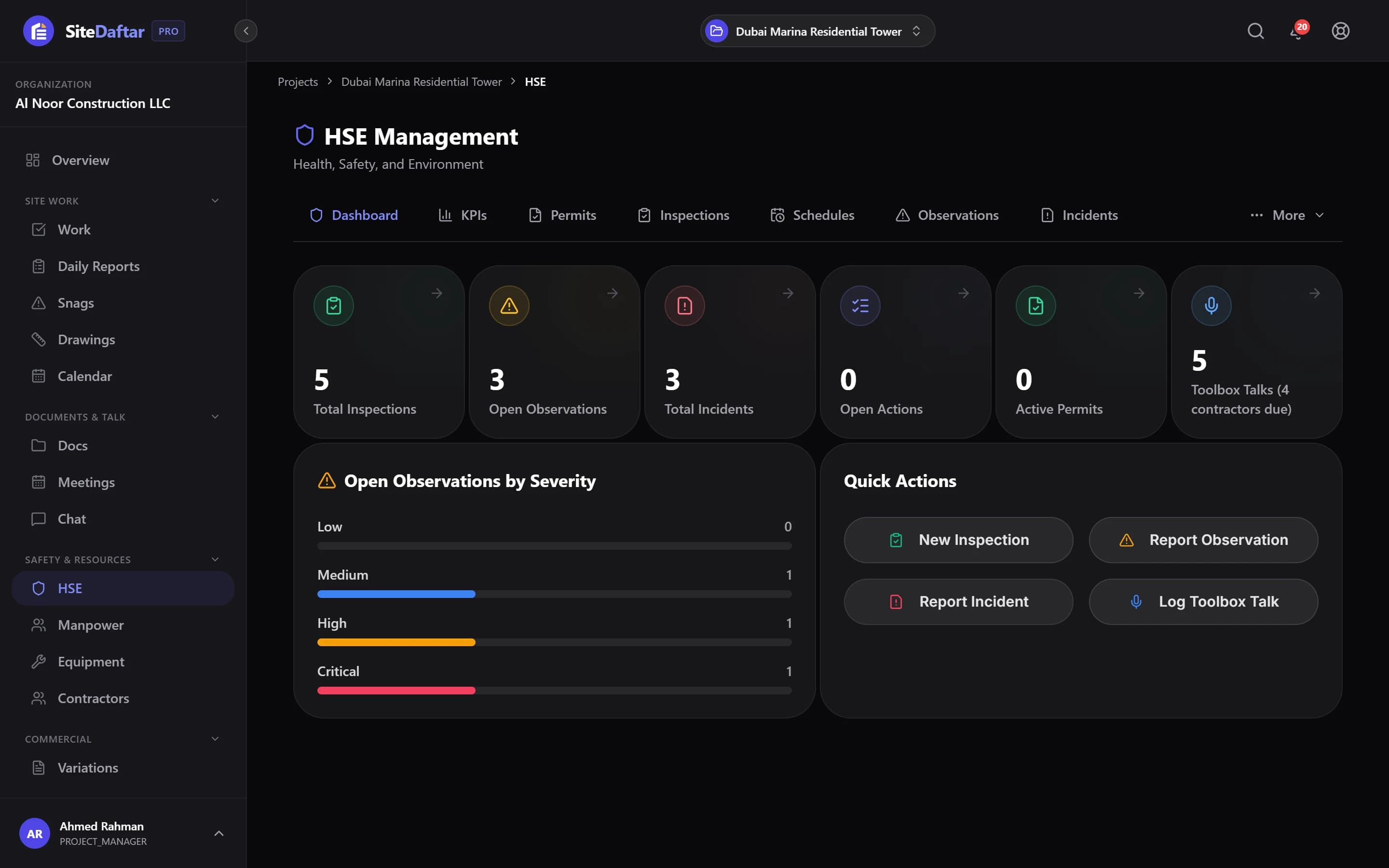
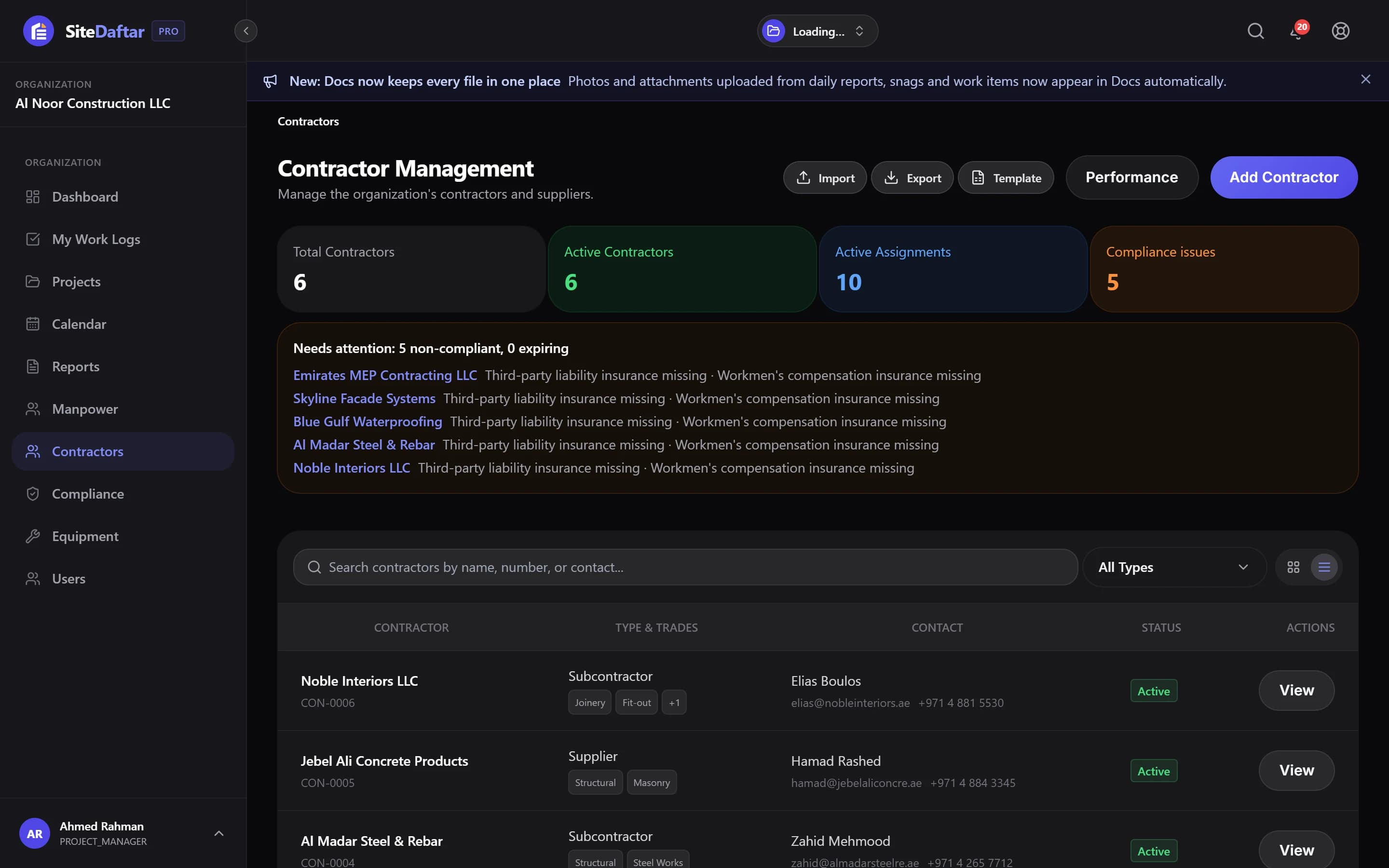
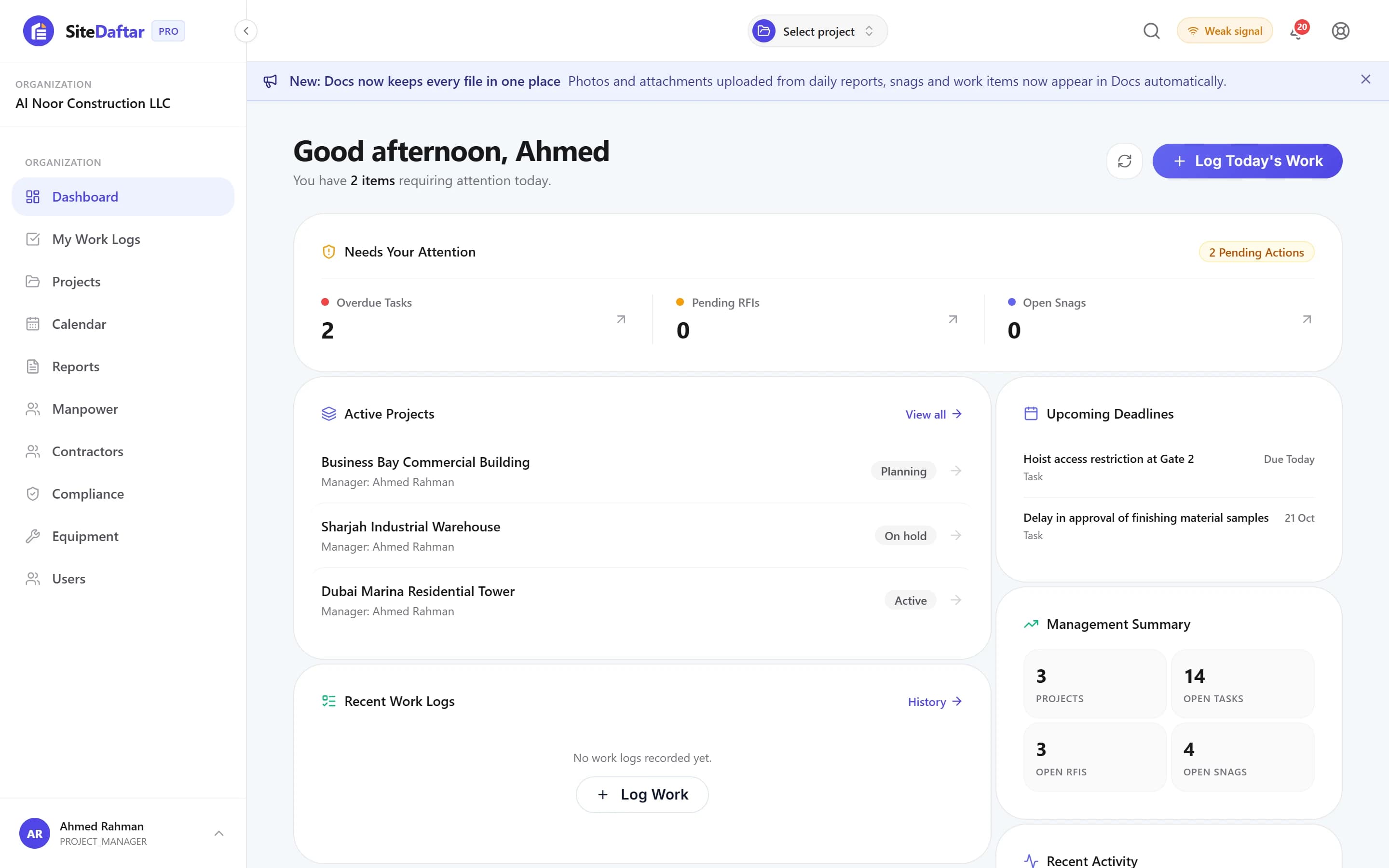
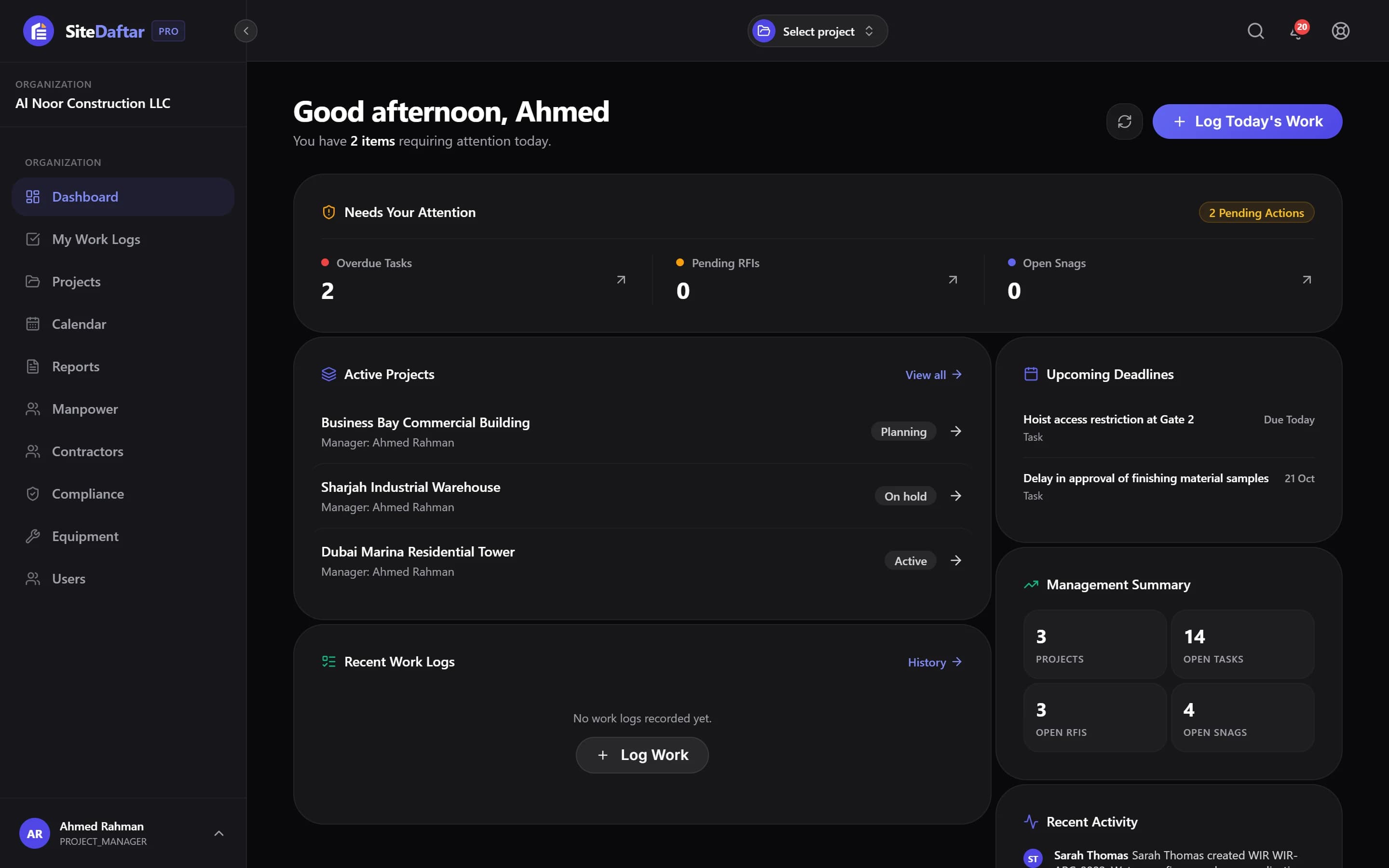
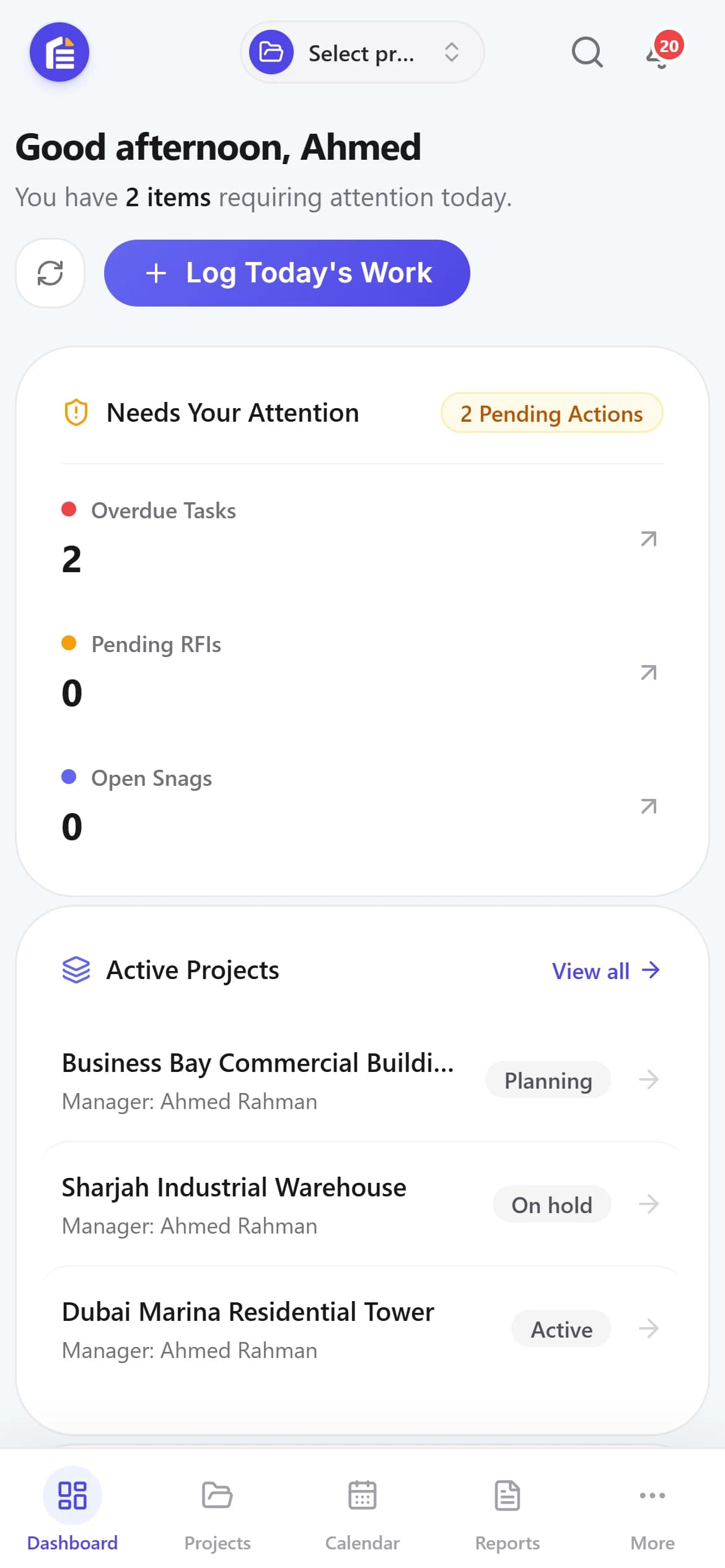
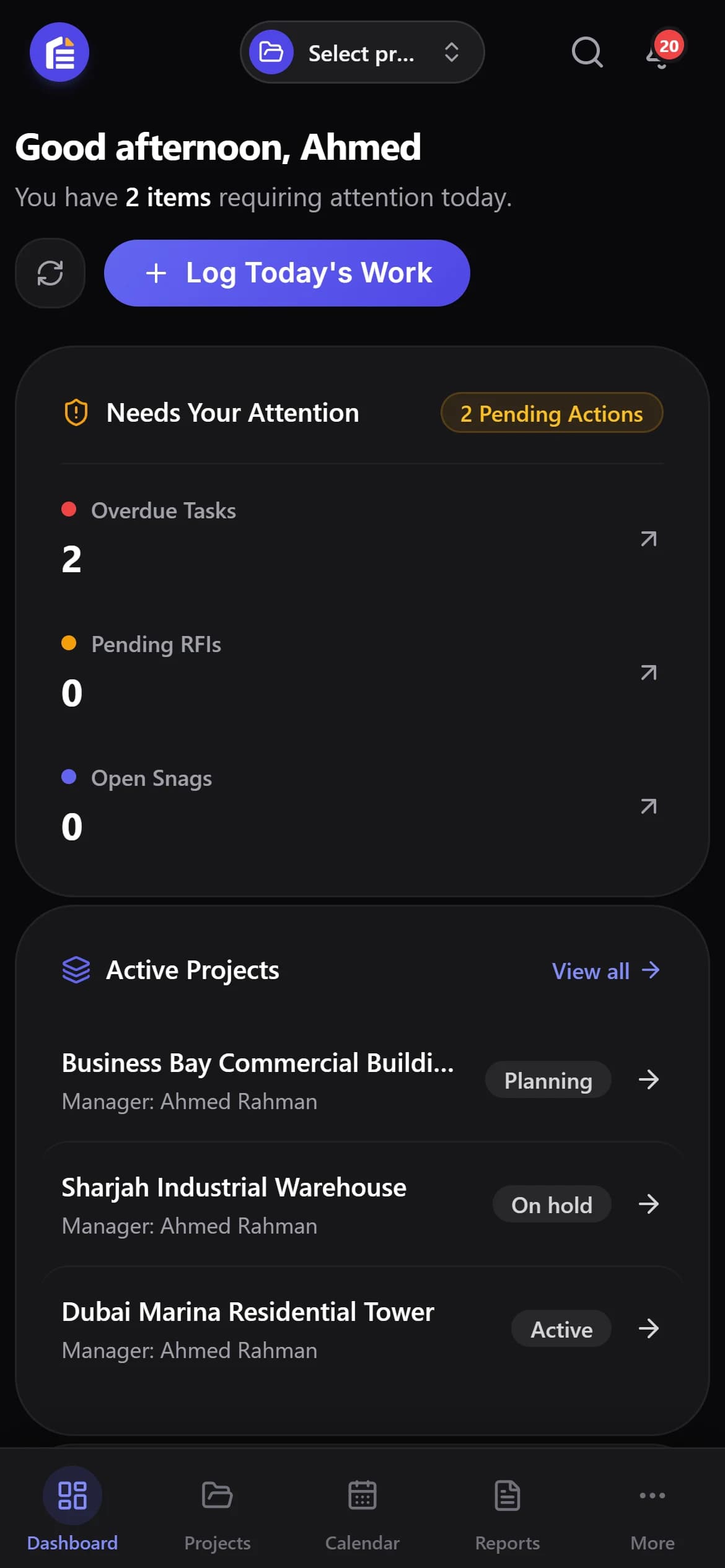
See what needs your attention today.
Overdue tasks, pending RFIs and open snags in one list, with your active projects, upcoming deadlines and a management summary beside it.
Everything a site team needs, in one place.
From the first inspection request to the final payment certificate, Muqtab covers the day-to-day jobs that usually live in separate files and chats.
Tasks, WIR, MIR & RFIs
Work inspections, material approvals, RFIs, submittals, ITPs and NCRs, each with an owner, due date and one official answer.
Daily reports
Manpower, work executed and site conditions logged from the phone, not collated at 5pm.
Snags pinned on drawings
Drop a numbered pin on the sheet, track it until it is fixed, and see every pin on that drawing.
Drawings & documents
Version history, current vs superseded, and every photo and attachment collected in one Docs tree.
Meetings & MOM
Record decisions and turn action items into assigned tasks with due dates.
Variations, IPCs & retention
Variation register, payment certificates and retention release tied to the project.
HSE
Permits, inspections, observations, incidents, toolbox talks and safety KPIs.
Manpower planning
Daily headcount against plan, productivity and S-curve by trade and contractor.
Equipment
Pre-starts, defects, maintenance, rentals, requests and certificate compliance.
Contractors & compliance
Contractor scorecards, worker certificates with expiry alerts and portal logins for subcontractors.
Management reports
Portfolio insights and project reports, exported as PDF, using the same open/overdue rules everywhere.
Notifications & weekly digest
Get told when something needs you, plus an optional Monday management summary by email.
Out-of-office cover
Delegate approvals while you are away so nothing waits on one person.
Roles & access
Org and project roles decide who sees what. Contractors only see their own records.
CSV import & export
Bring your Excel data in, take it out any time.
English & Arabic
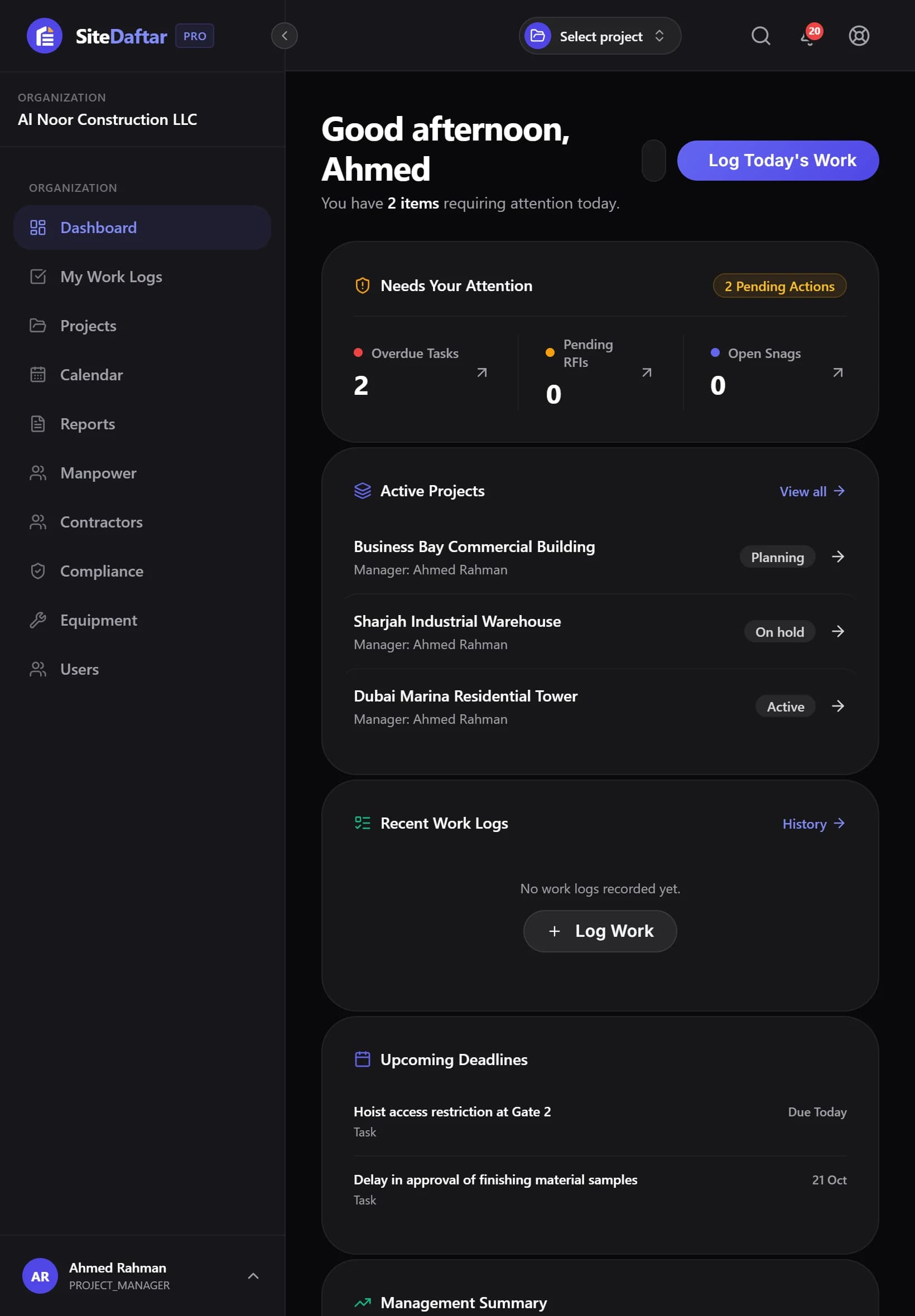
Right-to-left Arabic interface, light and dark themes, built for the UAE.
Made for weak site internet
Entries made offline are queued and sent when the connection returns.
Everything stays in sync, wherever you are.
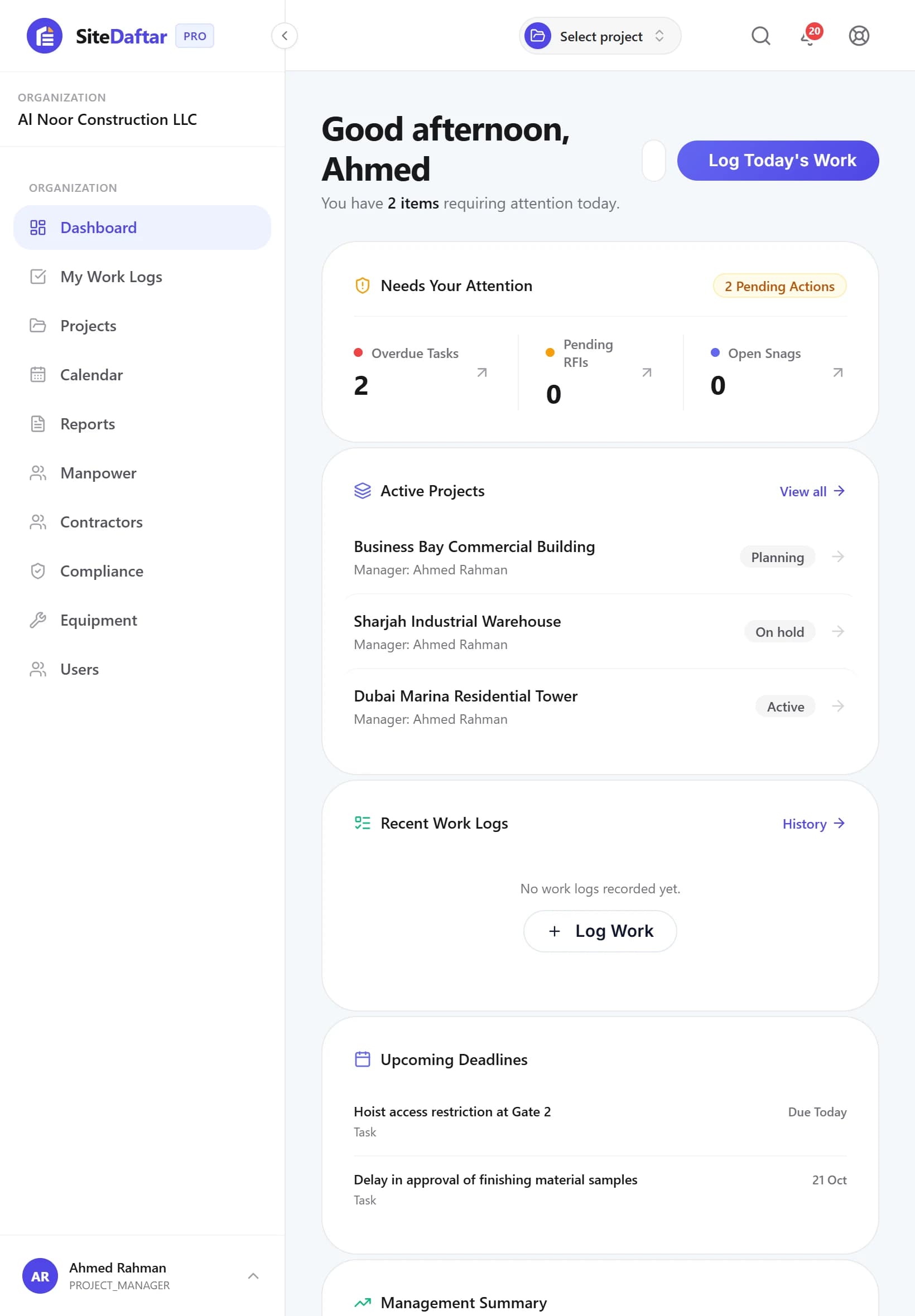
A laptop in the office. A phone on site. Muqtab looks and works the same on every device, with nothing to install.
- Works in any browser, no app install
- Looks the same on phone, tablet, or laptop
- Built for site supervisors who aren't at a desk all day
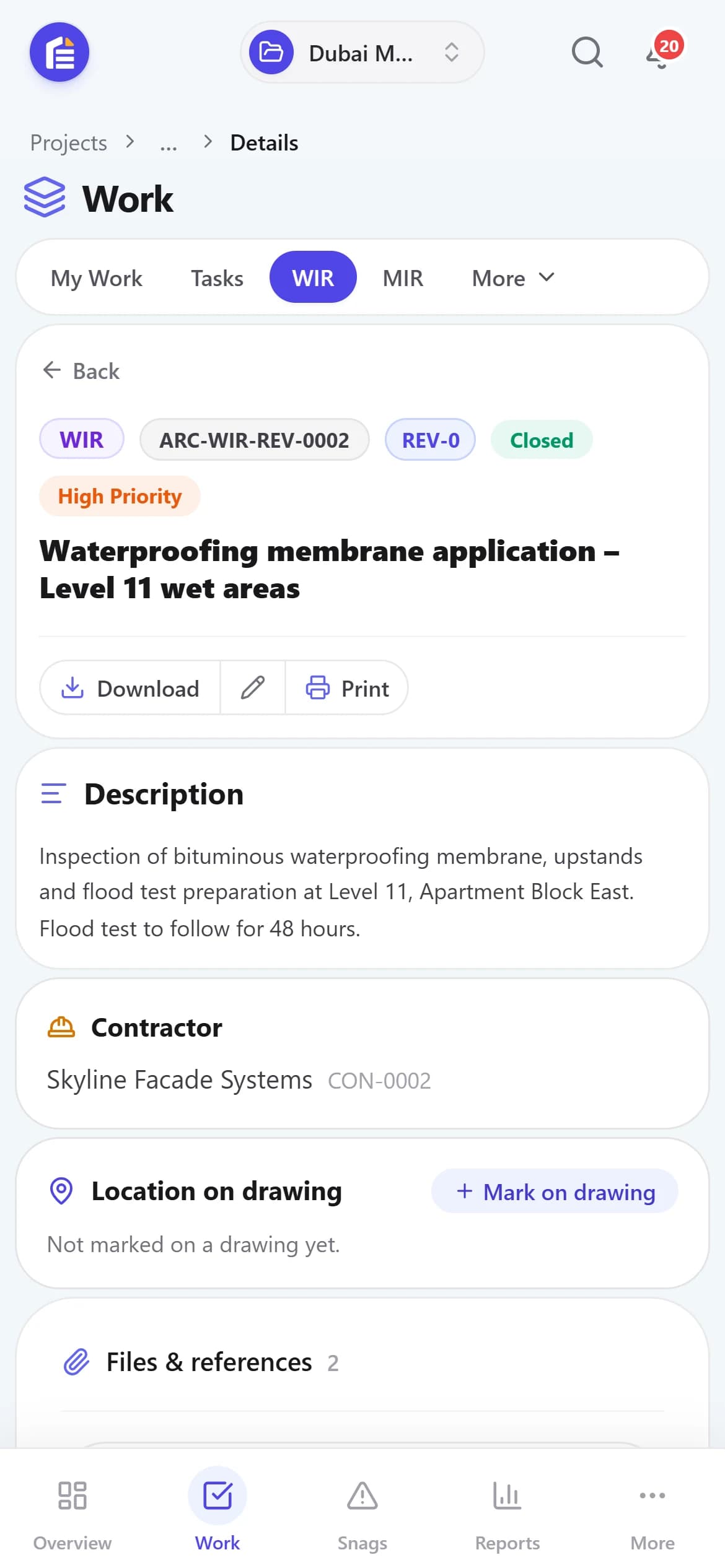
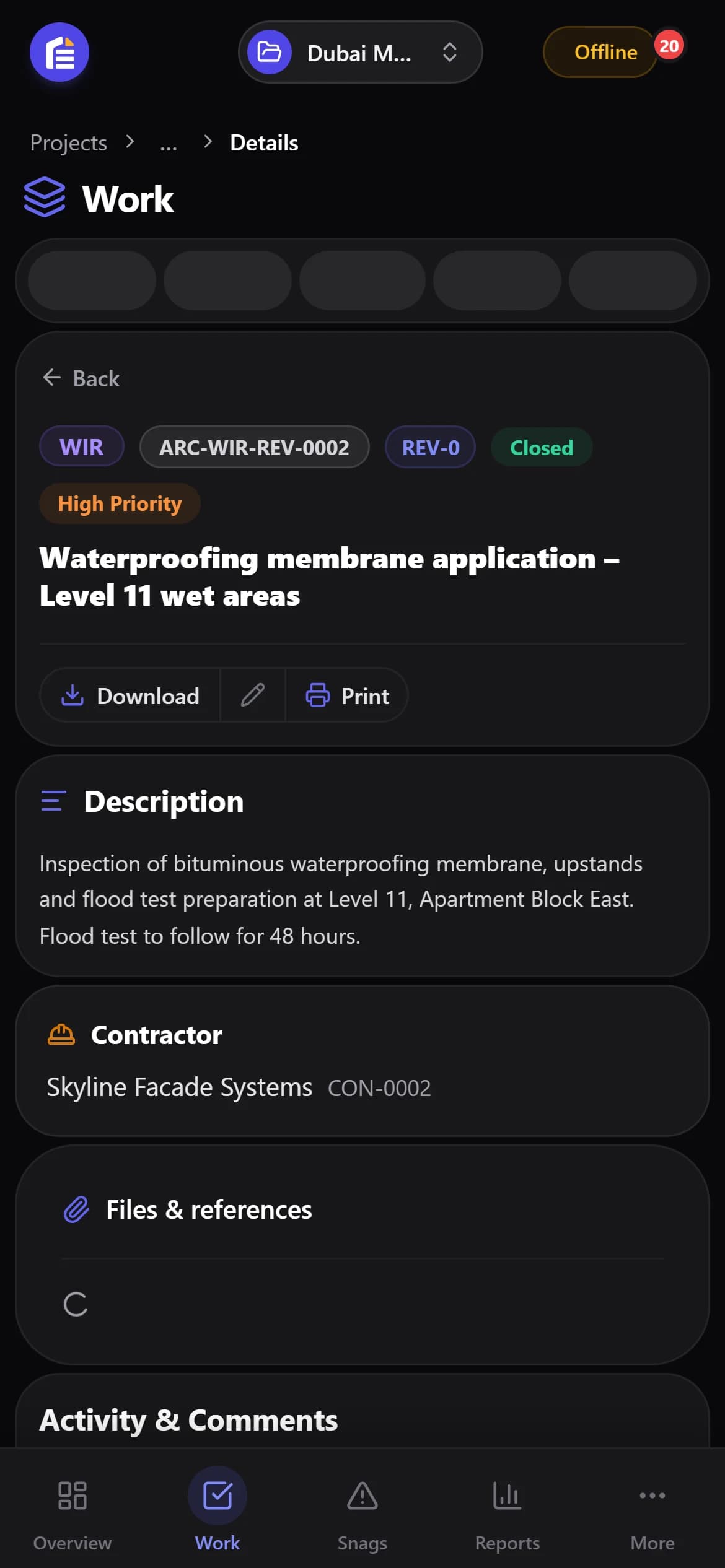
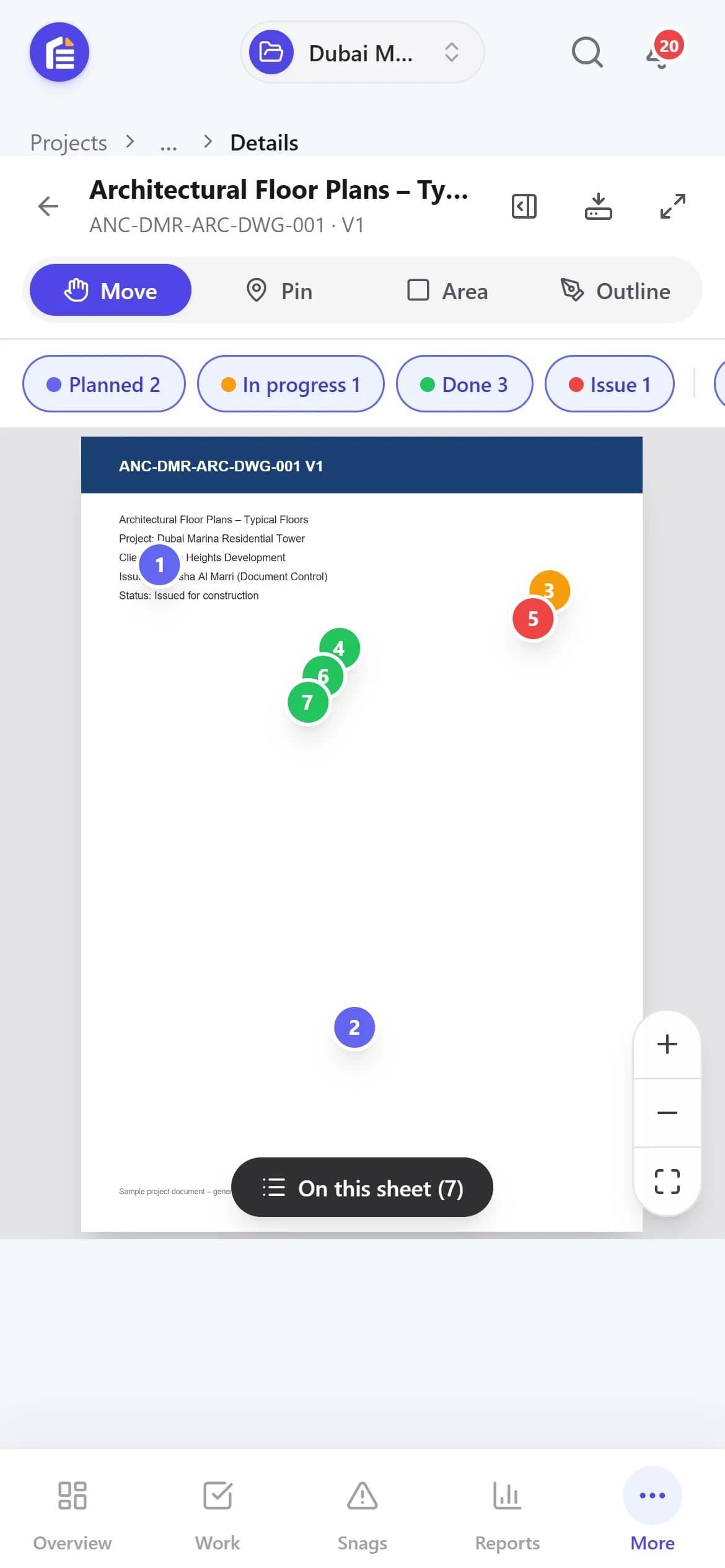
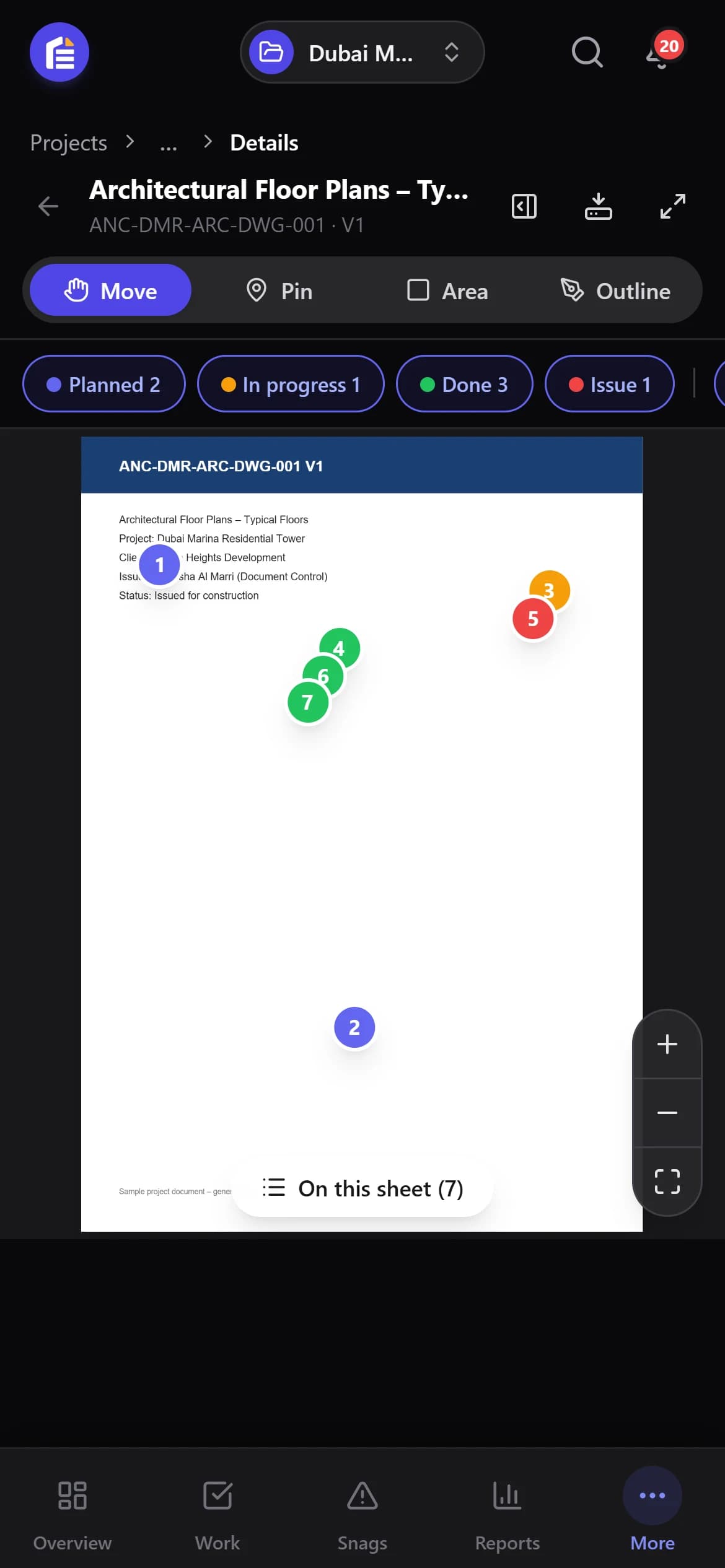
Office teams
Full dashboards and reports on a laptop.
Project managers
Review RFIs and meetings from a tablet.
Site engineers
Log reports and snags from a phone, on site.
Shaped with Site Engineers, Supervisors, Document Controllers and Managers.
Muqtab was designed in consultation and coordination with the teams who use it every day. Each role told us what slows them down, and that is what we built.
Site Engineers
What they needed
Raise an RFI or inspection request from site without going back to the office.
What it became
WIR, MIR and RFI forms that work on a phone, with photos and a drawing location.
Site Supervisors
What they needed
Record the day quickly, even on a weak connection.
What it became
Short daily reports and manpower entries that queue offline and sync later.
Document Controllers
What they needed
Know which revision is current and who has seen it.
What it became
Drawing revisions, a Docs tree that collects every attachment, and a full history.
Project & Construction Managers
What they needed
See what is late across projects without chasing people.
What it became
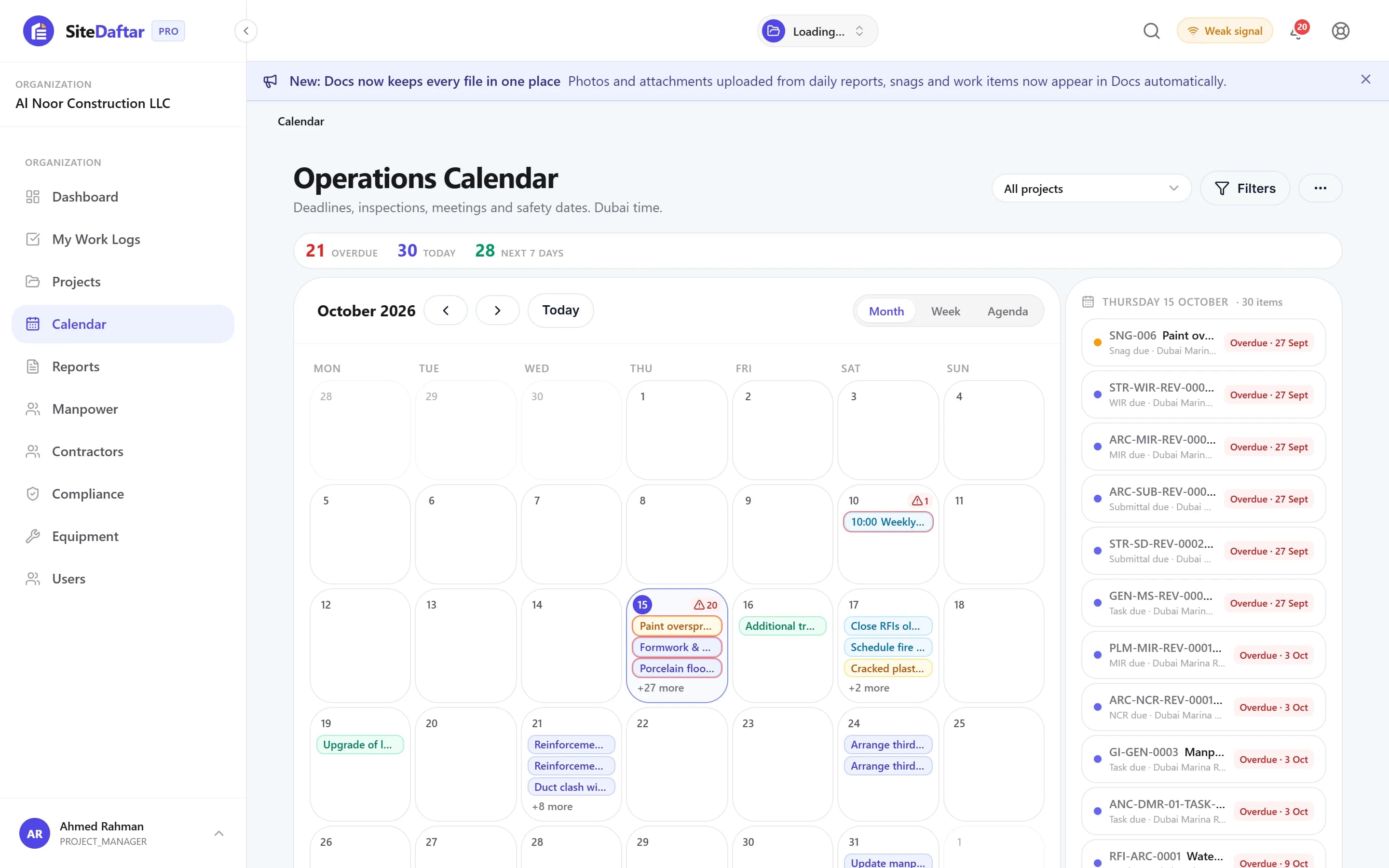
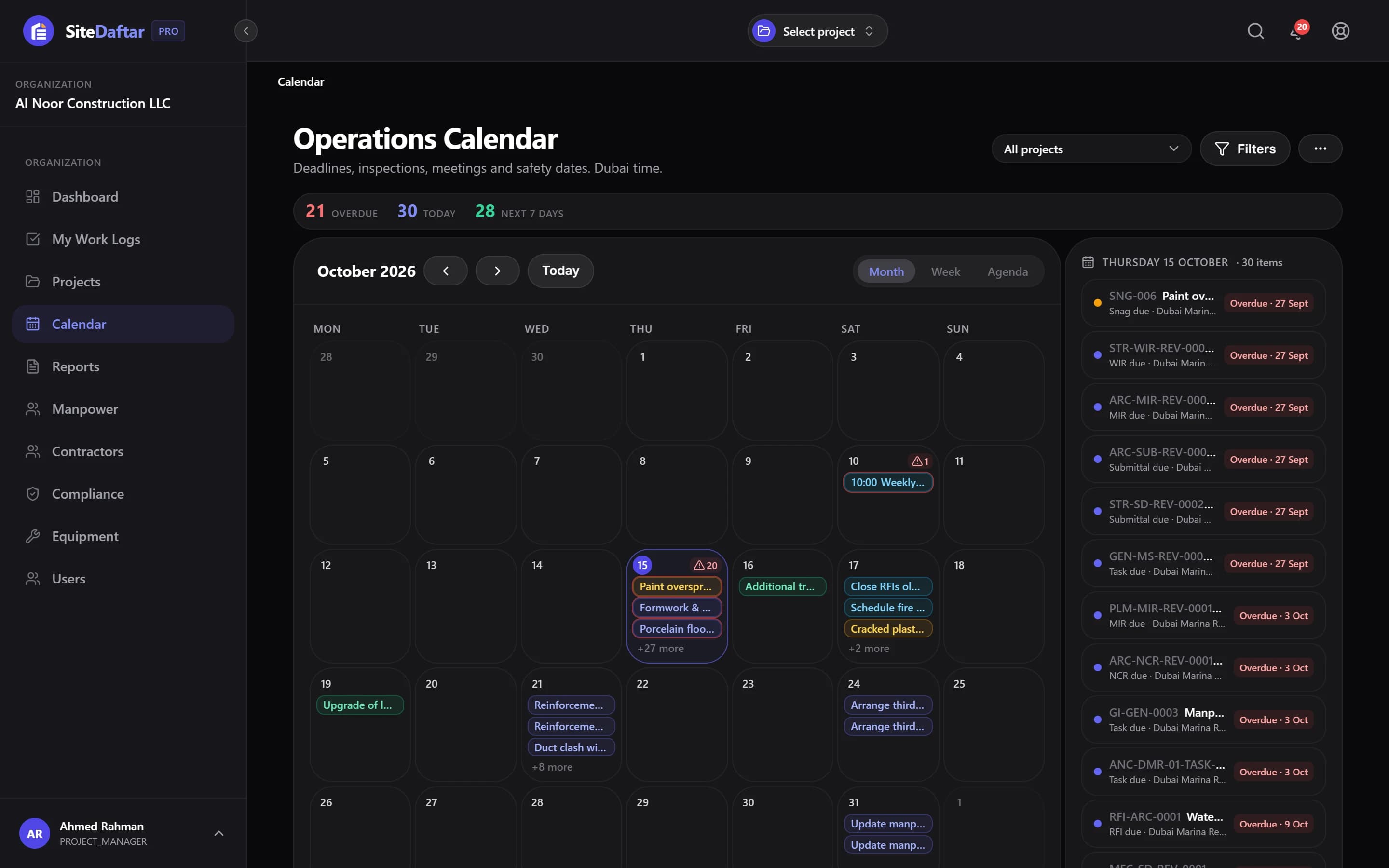
A dashboard of what needs attention, an operations calendar and management reports.
HSE Officers
What they needed
Keep permits, inspections and certificate expiries from slipping.
What it became
HSE permits, observations and incidents, plus expiry alerts for worker certificates.
Contracts & QS
What they needed
Tie variations and payment certificates back to the work that caused them.
What it became
Variation register, IPCs and retention release linked to the project record.
Working on a site and missing something? Tell us. Your feedback shapes what we build next.
Manpower_Log.csv
Ready for import
Your data is organized automatically.
You don't have to throw away your Excel files.
Your team doesn't have to abandon years of existing spreadsheets overnight. Bring your Excel with you, and switch at your own pace.
- 1Import your existing data from CSV files
- 2Export anytime, in a format you already know
- 3Move to Muqtab step by step, not overnight
Why you can trust Muqtab with your project
We're a new platform, so we'd rather be straightforward about this than make big promises.
Your data stays private
Everything you enter belongs to your company. No other organization can see it, and people only see the projects they are invited to.
Nothing gets lost
Every change is saved automatically, with who did it and when — a full history you can always search.
Works on slow site internet
Built to be light and fast, even on a weak connection at a remote site.
You're never locked in
Export your data as CSV anytime. If Muqtab isn't right for you, you keep your information.
Always know who did what, and when
Example activity from a sample project.
Try it free for up to 1 month. No credit card.
Use it on a real project with your own data. Pick the plan that fits your team when the month ends.
Every paid plan starts with a free trial of up to one month. No commitment, cancel anytime.
Frequently asked questions
01Is Muqtab only for large construction companies?
No. Muqtab is designed to scale from small subcontractors managing a few active sites up to main contractors handling large portfolios.
02Can we import our existing Excel data?
Yes. Muqtab supports structured CSV imports for major modules like equipment, manpower, and tasks so you don't lose historical data.
03Can different employees have different permissions?
Yes. Our role-based access control ensures site engineers, project managers, and executives only see and edit what they are authorized to.
04Does it work on a phone, and on weak site internet?
Yes. Muqtab runs in any browser on phone, tablet or laptop with nothing to install, and entries made while offline are queued and sent when the connection returns.
05Is Arabic supported?
Yes. The interface is available in English and Arabic (right-to-left), and each person can choose their language.
06Can our subcontractors log in?
Yes. Contractors get their own portal login and only see and act on the records that belong to their company.
07Does Muqtab replace accounting software?
No. Muqtab focuses entirely on construction operations, field execution, and project workflows. It sits alongside your ERP or accounting tools.
08How long is the free trial?
Up to one month, with no credit card. Each plan shows its own trial length, and none is longer than a month, which is enough to run a real project week through Muqtab.